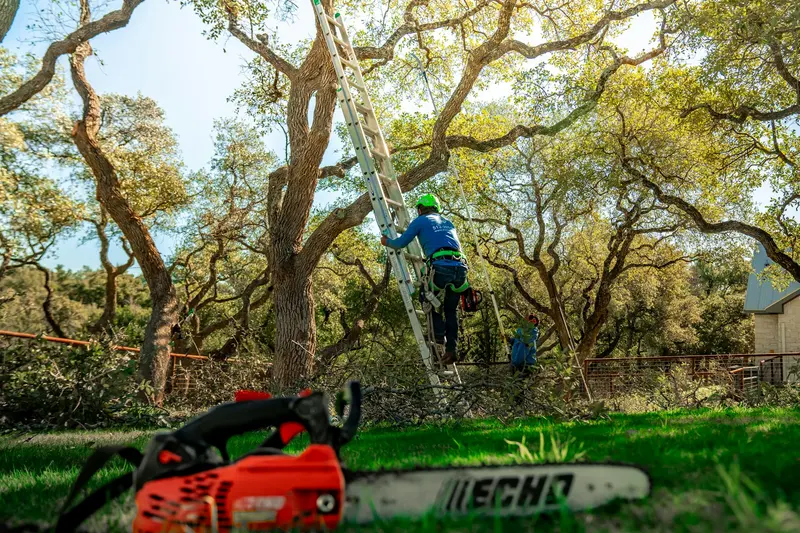
Picture a crew lead called Dave (an example, not a real person). He finishes a big oak removal at 2 pm. The homeowner walks the yard, shakes his hand and says, “You guys were great.” Dave says thanks and drives off. That was the best moment to ask for a Google review, and it slipped by. By the weekend, the homeowner has forgotten the whole thing.
This post gives you a simple way to ask, with the timing, the words and the link. You can run it by hand or let a system do it.
Why the ask matters
People who search “tree removal near me” see a few companies in the Google map box. They compare stars and review counts before they call. In our own check of 6,842 tree company Google listings in October 2026, the median listing had 44 reviews. That is our own data, not an industry study, but it shows what a new customer is comparing you against.
Many happy customers never think to leave a review on their own. They often need a nudge, and the nudge needs to be easy. For a wider plan, read how to get 50 Google reviews in 90 days. This post goes deeper on the single moment of the ask.
Timing: when to ask
Here is what works for most crews. These are starting points, so change them to fit your customers.
| Moment | Good or bad | Why |
|---|---|---|
| Crew still on site, yard being cleaned | Okay, in person | The customer is happy, but busy and watching |
| 1 to 2 hours after the crew leaves | Best | The result is fresh and the phone is in hand |
| Next morning | Good | A calm second chance |
| 3 days later | Fine as the last reminder | Short and polite |
| 2 weeks later | Weak | The memory has faded |
| Before the job is done | Never | It feels like pressure |
The best time is a text an hour or two after you leave. If you want to be careful about texting rules, read our short texting policy and the guide to texting rules. It is a short explanation, not legal advice. Ask your customer for permission to text on the estimate form.
Wording: keep it short
Long messages get skipped. Use the customer’s first name, name the job and give one link. Here are three examples. They are examples, so change the names and details.
Example 1: after a happy chat on site
“Thanks again, Mark. It was a pleasure working in your yard today. If you have a minute, a quick Google review helps a small crew like ours: [your link]”
Example 2: a quiet customer who said little
“Hi Linda, this is Oak & Pine Tree Service. We finished the trimming today. How did we do? If you are happy, would you share a quick review? [your link]”
Example 3: the last reminder, three days later
“Hi Mark, last note from us. If you can spare a minute for a review, we would be thankful. If anything was not right, just reply and we will fix it.”
The third text does two things. It gives a polite last chance, and it opens a door for the person who is not happy. That person can tell you directly instead of posting an angry review.
The link makes or breaks it
Do not tell people to “search for us on Google”. Half will give up. Give them a direct review link that opens the review box. Our Google review link generator shows the steps, and the Google Business Profile guide explains where the link lives in your listing.
Try it: write your own message in the review request builder and copy the one you like.
What not to do
- Do not pay for reviews. Google’s rules do not allow it, and it can put your listing at risk. Honest asks work better, and our guide to replying to reviews shows how to handle the rest.
- Do not offer a discount for a review. Ask for honest feedback only.
- Do not ask only the happy ones. Ask everyone. Just do not push anyone.
- Do not ask three times. Two asks is the limit.
- Do not hand over your own phone for the review. Let them use their own device, so the review is theirs.
A quick checklist for your crew
Use this on every job:
- The job is marked done in your notebook, sheet or phone app.
- You have the customer’s mobile number and their okay to text.
- The first text goes out 1 to 2 hours after the crew leaves.
- The text has the customer’s first name and one direct link.
- One reminder goes out after about 3 days, only if there is no review yet.
- Every review gets a reply within a day.
- You count new reviews every Monday.
What if the customer is unhappy?
Sometimes you sense a problem on site: the stump is lower than they hoped, or the cleanup took longer. Do not send the review text that day. Call or text to ask how you can make it right first. If you fix it, the customer may leave a kind review on their own. If not, you still kept a bad moment from becoming a public one, and you learned something. Never hide or argue with an honest review.
Know your own rate
Nobody can tell you what share of your customers will answer. It depends on your work and how easy the link is. So measure it. Count the texts you send in a month and the reviews that come in. The review calculator turns your numbers into a plan, such as how many months to reach a review count you pick. For example, if you send 30 asks and get 6 reviews, your rate is 6 out of 30. That is an example, not a promise. Your number will be your own.
Who sends the text?
Most owners are in a tree or on a truck at 3 pm. The text does not go out. That is why many companies automate it. The review step of the Never-Miss-A-Job System sends the request after a job closes, and you can see how it fits with the rest on the services page. You can also see pricing if you want to know the cost.
If your profile is thin on reviews and you are not sure why, get a free audit of your listing and your missed calls. You get a short, plain report and no pressure.